Joining an organisation
Each organisation that runs competitions in myStage can only see the competitor profiles that are linked to it. You are automatically linked to an organisation when you enter one of its competitions.
Sometimes an organisation needs to see your competitors before you enter, for example to check memberships or pre-registration details. You can link your competitors to an organisation yourself by joining it.
Note
Joining an organisation lets that organisation see your competitor's profile. It does not enter the competitor into any competitions.
Joining an organisation
- Log in to myStage.
- Go to the organisation's page. You can get there from the organisation's link, or from the Organisations list on one of your competitor's profiles.
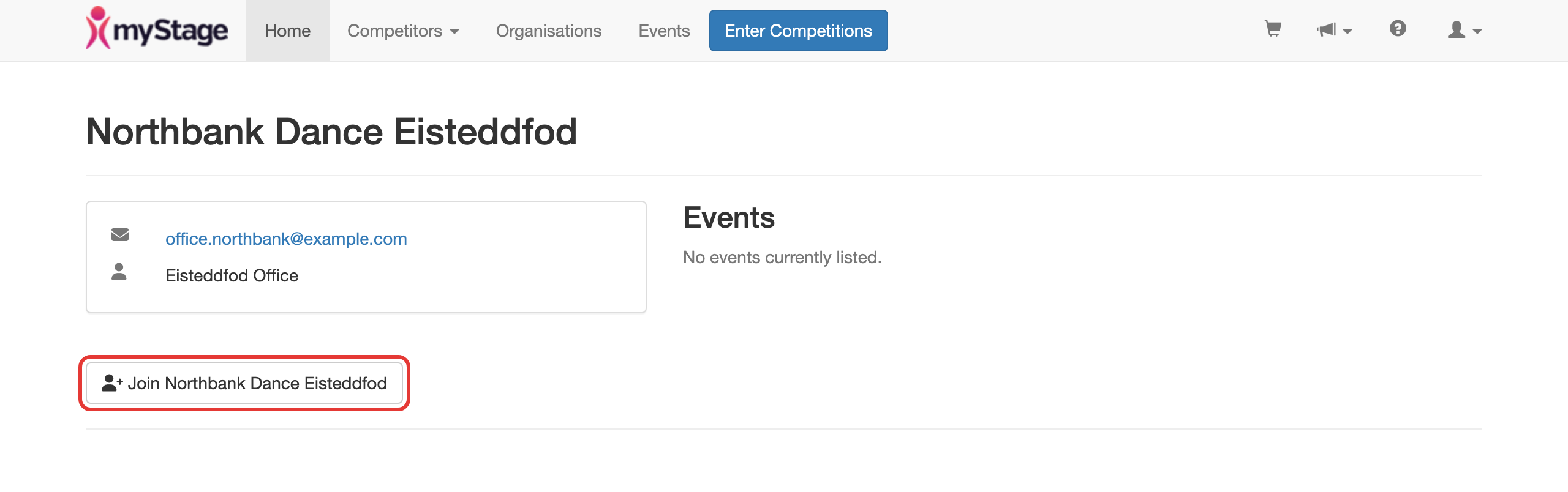
- Click Join followed by the organisation's name. This button only shows if you have competitors who are not yet linked to the organisation.
- Tick each competitor you want to link to the organisation.
- Click Join this organisation.

The list includes your own profile and any competitors you manage or that have been shared with you.
To check which organisations can see a competitor, open the competitor's profile and click Organisations.